
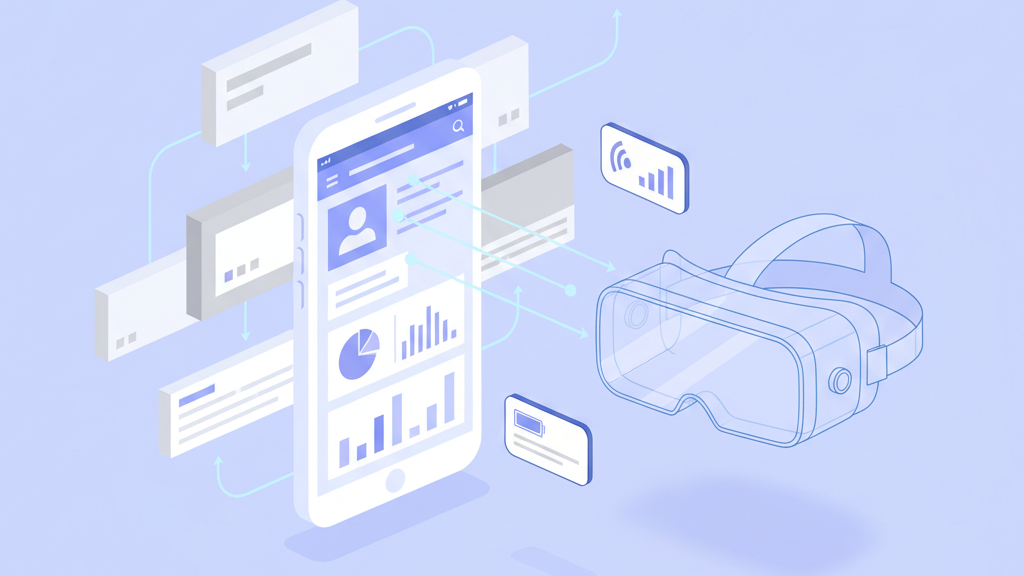
The world of spatial computing is moving faster than most traditional development cycles can handle. Many founders feel stuck between expensive native development and the desire to launch quickly. Using FlutterFlow AR VR app MVP development and hardware integration consulting is a powerful way to bridge this gap. By focusing on a visual development environment, you can build high quality interfaces that communicate directly with physical hardware and immersive environments. This strategy allows your team to validate a product concept in weeks rather than years. It is about working smarter and using the right tools to handle complex data streams from sensors and headsets.
The Strategic Shift Toward Rapid Prototyping
Building immersive technology often feels like a task reserved for massive engineering teams with millions in funding. Many startup founders believe they must hire specialized developers or native experts to even start a prototype. This is a common mistake that leads to burned capital and missed windows of opportunity. Using a visual development path allows your team to move much faster than traditional methods. By leveraging a high level environment, you can iterate on the user interface while focusing your heavy engineering resources on the actual hardware logic. This approach is not just about saving time. It is about validating your product market fit before you commit to a year of expensive development. Many startups miss this and spend too long building features that users never actually touch. We have seen that the most successful projects are those that get a working version into the hands of testers as early as possible. A flexible shell combined with powerful custom actions provides the agility you need. It handles the essential parts like navigation and layout. This leaves you free to solve the hard problems of spatial tracking and sensor calibration. You get a professional application that feels native because it compiles to efficient code for mobile platforms. Speed is your greatest asset in the early stages and visual tools are the best way to maintain it.
Solving the Connectivity Puzzle
The connection between your application and external hardware is a delicate one. You must focus on a few key areas during the development phase. These include protocol selection and data handling. Whether you are using a custom headset or a simple wearable sensor, the data must travel quickly and reliably. Specialized consulting focuses on making this connection seamless. You need to consider the frequency of data updates and the limitations of the transmission protocol. Most founders ignore the impact of environment interference on signal quality. If you are building a tool for industrial settings, a simple wireless connection might fail due to metal structures. You should always include error handling that informs the user when a connection is unstable. This prevents a frustrating experience where the app seems broken when the real issue is the physical environment. Testing across multiple mobile devices is also mandatory. A sensor that works perfectly on a high end phone might struggle with the chipsets of a budget tablet. Success requires a deep understanding of how mobile operating systems manage background tasks and hardware permissions. This ensures your app stays connected even when the user moves between different screens or applications.
- Bluetooth Low Energy connection stability
- Wireless protocol selection for low latency
- Data packet structure for sensor telemetry
- Automatic reconnection logic for external devices
- Real time battery level monitoring and alerts
- Environmental interference testing protocols
Bridging Visual Tools and Native Performance
Custom widgets are the secret to building high performance immersive apps. While standard components handle the basics, AR and VR require specialized views for 3D rendering. You can wrap native libraries into custom components that the visual builder understands. This gives you the speed of a low code environment with the power of high performance graphics engines. Many founders make the mistake of thinking visual builders cannot handle complex rendering. In reality, you are just using the platform as a management layer for specialized code. This hybrid approach keeps your codebase clean and your development timeline short. It allows designers to work on the UI in parallel with the engineers who are building the core engine. We often see teams get bogged down in native UI code that is difficult to change. By moving the interface to a visual layer, you can make updates in minutes. This agility is vital when you are responding to user feedback during an MVP phase. You can test different layouts or information hierarchies without rebuilding the entire hardware bridge. This separation of concerns is a professional way to manage a complex project. It ensures that your high value engineering hours are spent on unique technology rather than standard buttons and menus.
Architecting for Real Time Spatial Data
Spatial data management requires a different architectural mindset compared to standard database entries. When a user moves their head or hand, your application needs to process those coordinates in milliseconds. If your state management is messy, the entire experience will feel laggy. We suggest using a local first architecture where the app processes the most critical data on the device itself. You should only send summary data or essential updates to your cloud backend. This reduces the load on your servers and improves the responsiveness of the interface. High performance custom actions are used to link the visual components to the underlying hardware libraries. This ensures that the heavy lifting happens in optimized code while the UI remains smooth. Many developers try to push too much logic into the visual builder. It is much better to keep complex math and data transformations in separate functions. This separation of concerns makes your app easier to debug and maintain as it grows. You also need to consider how your app handles state transitions when the hardware is disconnected. A smooth recovery process is the difference between a tool that feels professional and one that feels like a toy.
- Local first data processing strategy
- High frequency state update management
- Custom action optimization for math logic
- Integration with native spatial libraries
- Optimized memory usage for 3D assets
- Efficient cloud synchronization for session data
Scaling Beyond the Initial Prototype
A successful MVP should not just be a throwaway project. It should serve as the foundation for your full product. By choosing a flexible development path, you ensure that future features are easy to add. This might include more advanced haptic feedback or complex multiplayer interactions. Product managers should focus on the core value proposition first. Do not get distracted by every shiny new feature in the headset market. Build what your users actually need and build it in a way that can scale. Many startups fail because they build a prototype that cannot be expanded. They end up starting over from scratch when they need to add a second sensor or a new platform. Professional consulting helps you avoid this trap by setting up a modular architecture from day one. You should look for a partner who understands both the software and the hardware side of the equation. This holistic view is necessary for solving the strange bugs that appear when physical devices interact with digital screens. Your goal is to create a seamless loop between the user, the hardware, and the application. When that loop is tight and responsive, you have a product that people will actually want to use.